Website publishing in Alf Website Builder
Before publishing a website, a connection between the Alf Website product and the domain must be created. This can be done in two ways:
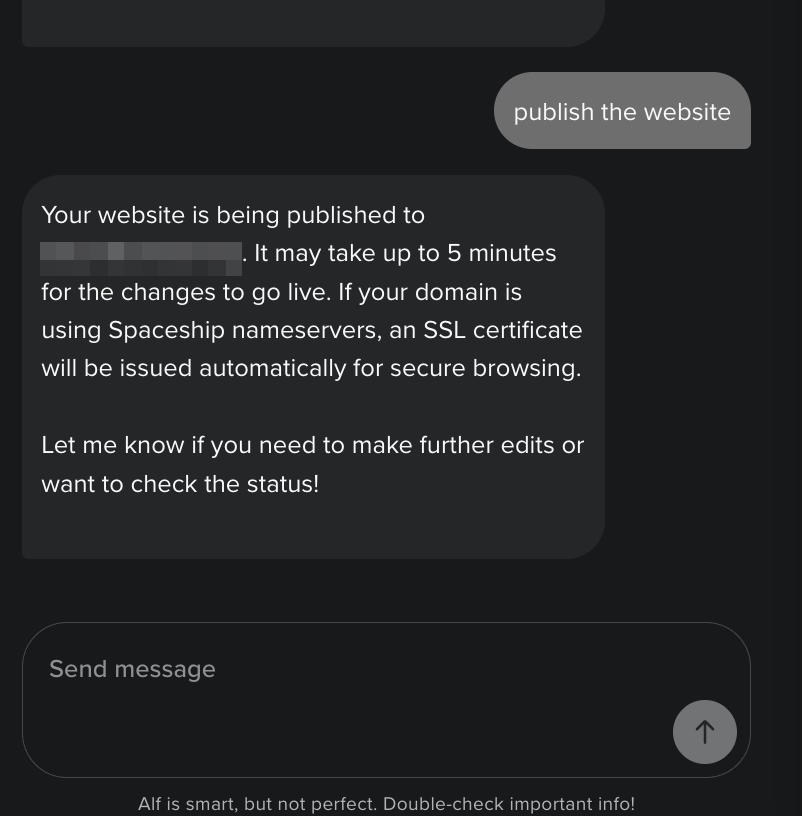
Via Alf chat: You can request website publishing directly in the chat. If no domain connection exists, Alf asks for confirmation to connect the domain before publishing. Once approved, Alf sets up the connection automatically.
.01kh6f18ay172tjxp84nbag7dh.png)
Via Connection Manager: Open Connection Manager, click Unbox for the required Alf Website product, and enter the required domain or subdomain.
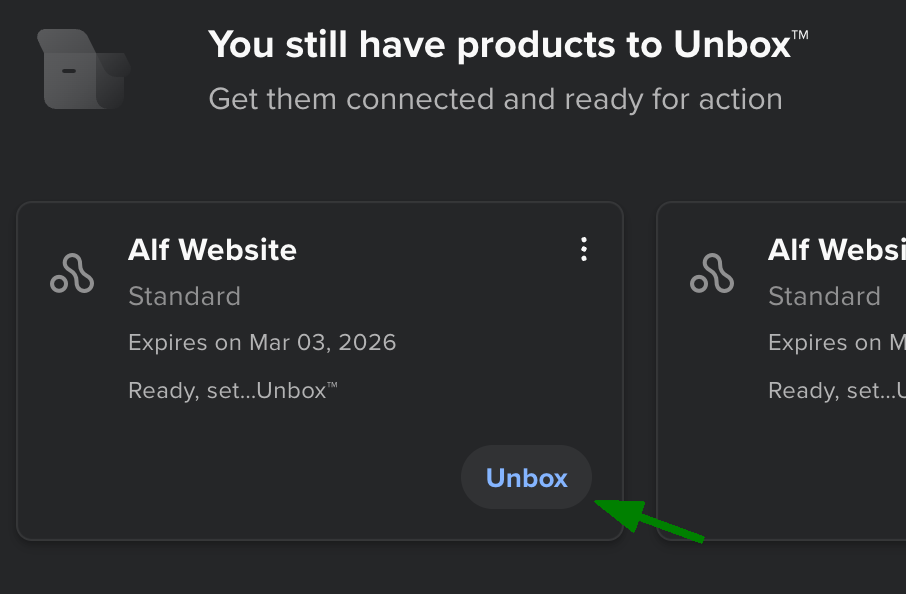
You can also monitor the connection status in Connection Manager.
After you connect your domain to Alf Website Builder for the first time or reconnect it after a disconnection, your website is published automatically. If you want to publish edits to an already connected website, send a corresponding message to Alf: